CCTV Software (871)
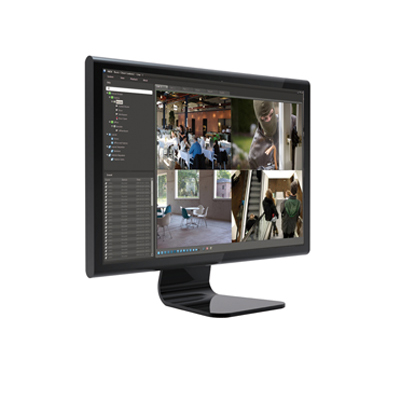
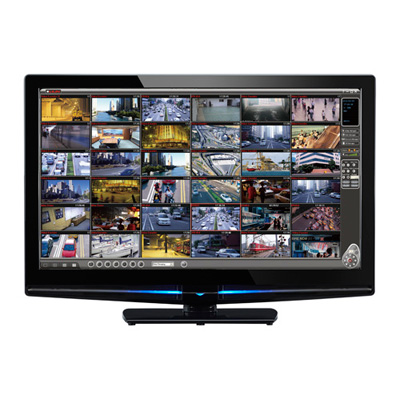
IDIS IDIS Solution Suite is an integrated security VMS software suitable for both large enterprise customers as well as smaller surveillance operations for home-security and small business. It features multiple tab basis for easy and powerful operation with multiple monitors. It offers thorough event management by event forwarding, acknowledgement, notifications and live popup. It also features simultaneous remote upgrade for multiple devices as well as monitoring status of all registered devices at a glance.
Add to Compare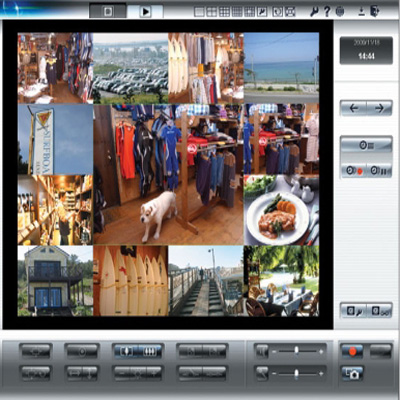
BB-HNP17 allows full monitoring and recording of your IP cameras. Allowing up to 64 cameras to be registered it is ideal for small-medium IP applications. The flexible layout allows full and multi screen options and switching between cameras. BB-HNP17 gives you control of your security system with multi sensor activated recording or timer recording with preset positions. Recording can be activated by alarms from the camera such as movement, noise or shock detectors, triggering specific presets and recording.
Add to Compare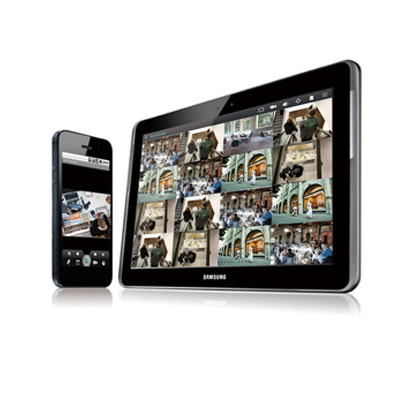
Centralised monitoring service covering small to large businesses. Multiple tab basis for easy and powerful operation with multiple monitors. Thorough event management by event forwarding, acknowledgement, notification and live popup. Intuitive user interface minimising mouse and keyboard control. Simultaneous remote upgrade for multiple devices. Monitoring status of all registered devices at a glance. Simplest map registration, but diverse utilisation. Optimising network bandwidth by dynamic multi-stream control and multi-view (ROI).
Add to Compare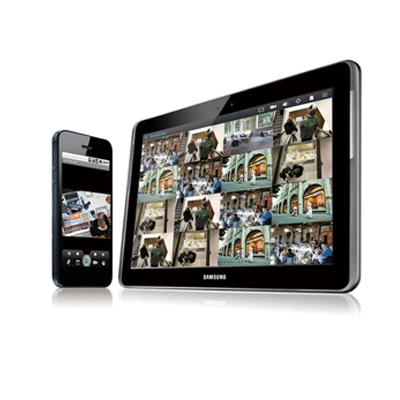
Operates with all IDIS DirectIP NVR’s and IP cameras. Supports seamless viewing of full-HD live streaming video on mobile devices from remote locations and provides 1/4/9/16 split screen monitoring. Enables pan, tilt, zoom control of DirectIP IP cameras directly from mobile device. Supports highest image quality with H.264/MJPEG formats. Provides calendar search/playback/bookmark functions. Quick and easy access with various mobile connections over 3G, LTE and WiFi. Supports push alarm, event/time lapse.
Add to Compare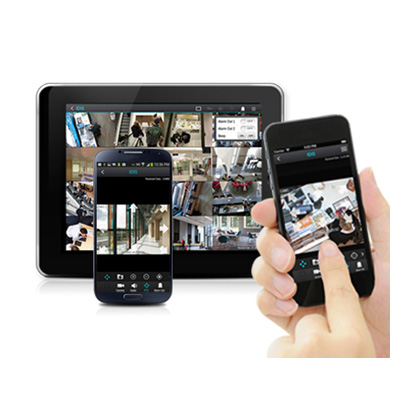
IDIS Mobile is an app for IP surveillance. The software operates with all IDIS DirectIP NVR’s and IP cameras. It's PTZ control enables pan, tilt, zoom control of DirectIP IP cameras directly from mobile device and live view & playback feature supports seamless viewing of full-HD live streaming video on mobile devices from remote locations and provides 1/4/9/16 split screen monitoring.
Add to Compare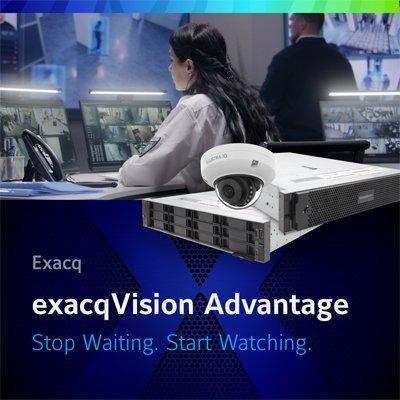
Competitive price advantage when using Illustra cameras with exacqVision BBE servers No-charge IP channel licenses for Illustra Pro & Flex cameras Gen3 or later Register licenses on-demand via 24/7 self-service portal, instantly active for customers to import from file or exacq.com No complicated "promo code" manual order process that typically takes 24 to 48 hours to receive an updated license No need to manually pre-configure cameras for security hardening before adding to exacqVision, reducing commissioning time by 5 minutes per camera Just install Illustra cameras straight out-of-the-box, run through the scan discovery and quick add process – cameras will be automatically hardened in enhanced security mode Faster installs with enhanced security assurance exacqVision network scan will auto-detect Illustra cameras in factory-default unconfigured mode Users can quickly bulk add unconfigured cameras to exacqVision Unique Host ID will be autogenerated per camera and securely stored on exacqVision server All cameras are automatically configured for Enhanced Security mode All unsecured protocols are disabled, defaulting to HTTPS Default "admin" username and password replaced with new user-defined credentials, securely stored within exacqVision server Quickly add future cameras without disclosing camera passwords to users with restricted view privileges
Add to Compare
D-ViewCam is a comprehensive network camera surveillance software designed for SOHO, or SMB users. It centrally manages up to 32 network cameras and is compatible with current D-Link network cameras and video servers. This software offers digital monitoring and recording of video, audio, and events for use in various security applications. Furthermore, this easy-to-use surveillance software provides users with a wide array of features, including video recording, playback, and live view. Live Monitoring & centralised management D-ViewCam is a comprehensive surveillance system designed to centrally manage up to 32 network cameras, while displaying real-time information. Map Mode allows you to create maps based on camera location and orientation, and the Device Tree lists all the cameras connected to the interface for easy viewing. Additional features such as auto-patrol, rotate, zoom, and focus provide users with optimal control over their video surveillance. Video Recording & Playback D-ViewCam offers scheduled, motion and manual recording options to meet specific user demands. Recorded files can be searched according to video type or selected within the user interface for playback, editing, or AVI /ASF file conversion. Event Action configuration Event Action provides enhanced surveillance and security by detecting events from smoke detectors, magnetic door sensors, emergency buttons, cameras, card readers, or other I/O devices. Start by connecting any of these devices to the I/O connector of a compatible D-Link network camera. When an event occurs, a notification is immediately sent to D-ViewCam. D-ViewCam then notifies you either by e-mail or an audio alert. Video & System Database Backup The D-ViewCam Playback function allows users to load and play a recorded file on a Windows PCs. D-ViewCam allows users to monitor a live feed on one computer while watching a recorded file on another. D-ViewCam also provides a utility (DB-Tool) to reconstruct, repair or relocate the databases in a local drive or external drive. It also supports the import/export of configuration files - enabling users to synchronise surveillance settings across devices.
Add to Compare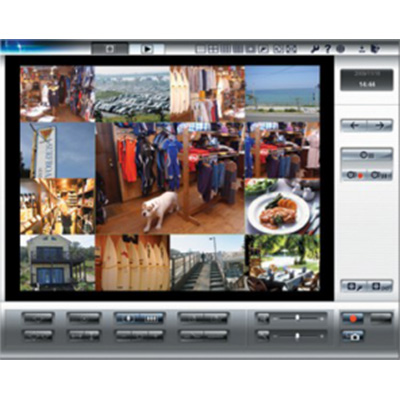
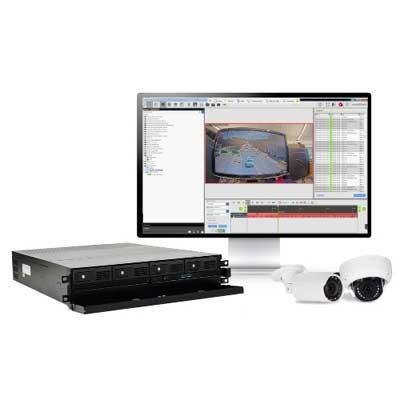
exacqVision open platform VMS software is intuitive, able to be centrally managed and integrates easily into third-party technologies including more than 5,000 cameras. If you are interested in learning more about this update, sign-up for access to the recorded webinar: https://register.gotowebinar.com/recording/7716757850369436934 The exacqVision 21.09 software update includes newly added support for object classification analytics with the Illustra ProGen4 and Axis camera lines. This update also includes removeable privacy windows for industries such as law enforcement agencies, prisons, and rail companies that require additional privacy controls for sensitive video.
Add to Compare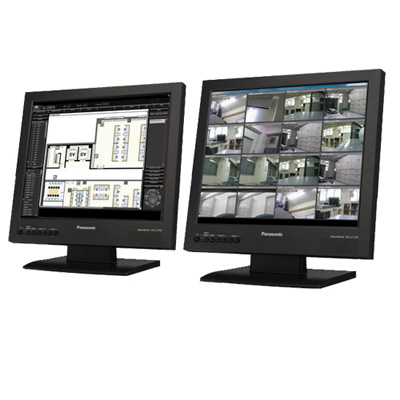
The increasing trend in switching from analogue to IP security solutions has inspired Panasonic System Networks Europe to develop and present the new WV-ASC970 IP matrix server software and the WV-ASM970 IP control software to allow flexible, all-inclusive and hybrid security solutions. WV-ASC970 IP matrix client software The WV-ASC970 software allows a server PC to integrate multiple network components into one easy-to-manage flow of data. Allowing up to 64 recorders, 64 decoders and 2048 analogue and IP cameras to be registered, security professionals have available a huge amount of information from the monitoring terminal. Panasonic's WV-ASC970 software is designed to ensure total cost of ownership is minimised by extending the life of Panasonic analogue cameras alongside new IP technology - convergence rather than replacement. Hosting hybrid solution such as these smoothes the transition process between analogue and IP as well as making varying network peripherals available from the user interface, including WV-ASC970 software. The WV-ASC970 allows both camera viewing and camera control for up to 512 individual user registrations with 64 simultaneous users supported at once, enabling collective security and remote monitoring. WV-ASM970 IP control software The WV-ASM970 client software is installed to each client PC, which enhances operation and monitoring of the full security network. Multi-monitor function enables simultaneous use of the Operation Screen and Monitoring Screen for comprehensive supervision. Other viewing options allow up to 30 IP cameras to be displayed in a 16 split screen format in MPEG-4, 2mbps mode whilst providing full location information and maintaining optimised network usage. In addition Automated Status Change uses the monitor to display a location map when an alarm is triggered to ensure security professionals can locate and action emergency response. In summary WV-ASC970 IP matrix server software and the WV-ASM970 IP matrix client control software are designed to smooth the transition from Analogue to IP, enhance system scalability plus extend the life of existing systems. This makes specifying Panasonic the best choice to reduce costs and improve protection of personnel and property.
Add to Compare
Respond immediately to critical situations and provide a safe environment for employees, students, event attendees and others. Exacq’s Facial Matching- Intelligent Alerts solution, enabled by Tyco AI, provides immediate notification of arriving persons of interest. Faces can be classified into different categories, so that personnel can be deployed to respond quickly and appropriately. This deep learning facial recognition engine provides high accuracy facial matching, even with partially obscured faces due to glasses, hats, and varied angles of view. Learn more about exacqVision software during our 20-minute webinar: https://www.exacq.com/webinar_new/#load=1636588800
Add to Compare
Enhanced Enterprise Features in Nextiva Video Management Software Nextiva Video Management Software (VMS) is comprised of comprehensive video management capabilities with integrated analytics specifically designed for critical infrastructure and retail environments. Among its new features are enhancements to existing modules, expansion of third-party device integrations, and additional system performance and reliability options. Dual recording also is now available for organizations that need to simultaneously record video to recorders in separate geographic locations. Additional Nextiva enhancements include seamless integration of alarms with associated video clips, synchronized multi-camera playback and advanced system health monitoring capabilities for events. Nextiva also features additional integrations with third-party cameras, and expanded high availability and disaster recovery options. Integrated with Nextiva PSIM™ and ALPR technology, Verint VMS enhances the efficiency of security operations and optimizes return on investments for customers.
Add to Compare
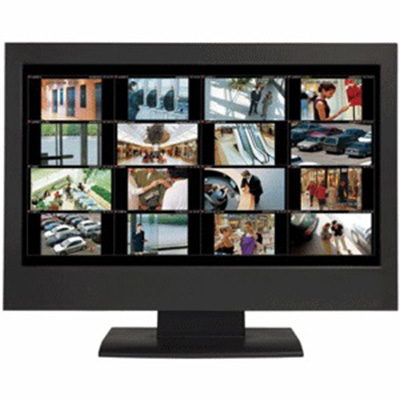

Utilize exacqVision Cloud Drive storage to expand security resources and provide additional asset protection. Cloud Drive offers multiple storage options to fit any business need or budget and recorded video data is easily accessible using the exacqVision Client or any device with an internet connection. Storage plans are based on camera resolution and desired days of cloud retention. Customers have the choice of archiving video to the cloud for some or all cameras on their Exacq server and can choose specific events such as motion events to back up to the Cloud.
Add to Compare
exacqVision Edge is a complete enterprise Video Management Server for video surveillance that runs directly on an edge device such as an IP camera or encoder, without the need for a separate centralized server.exacqVision Edge records to the IP camera's on-board SD memory card. Video can also be recorded to a NAS storage unit. exacqVision Edge is a complete enterprise VMS, combining all of the features of exacqVision Pro and Enterprise software into the edge device. Multiple exacqVision Edge cameras can be viewed and searched simultaneously using the free exacqVision client, available for Windows, Linux and Mac.exacqVision Edge cameras can also be viewed and searched using the free exacq Mobile* apps available for iPhone, iPad, Android phones and tablets, Kindle Fire, and Blackberry Playbook.
Add to Compare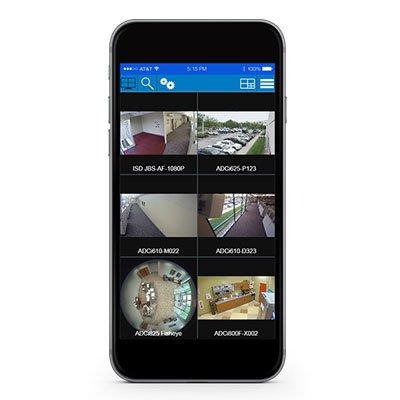
Allows to monitor and view live and recorded video from multiple exacqVision systems simultaneously using mobile device Simple PTZ & Digital PTZ control Activate alarms and triggers Works with low & high bandwith networks Intuitive search Playback recording View video as close as desired with the interactive pinch-to-zoom functionality
Add to Compare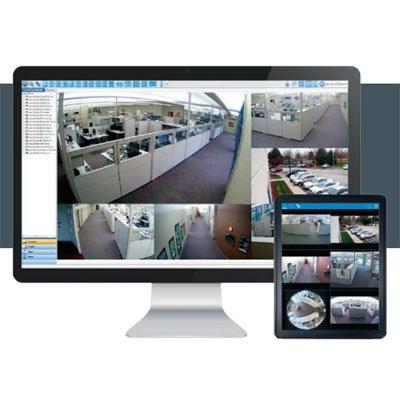
Easy to use and flexible, saving installation and training time View video anywhere with free client software High video throughput with minimal CPU and RAM requirements Powerful search capabilities in an intuitive interface exacqReplay provides instant replay of events Step-by-step online system configurator calculates storage and bandwidth requirements Client-side fisheye camera dewarping provides distortion-free images Cybersecurity features include HTTPS encryption, complex passwords, and user lockout Compatible with over 3,300 models of IP cameras and encoders, including the H.265 codec
Add to Compare

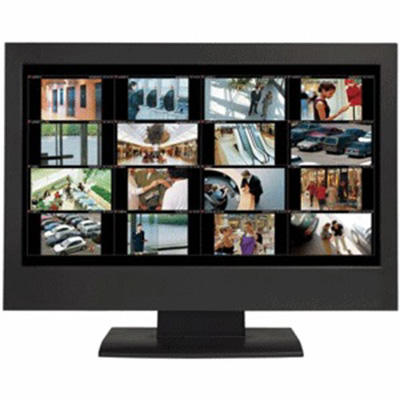
The exacqVision Enterprise Server Option is enabled per server, regardless of the number of cameras connected. This option enables functionality for enterprise deployments such as multi-system user configuration, LDAP/Active Directory, and other server-related administrative functionality.
Add to Compare
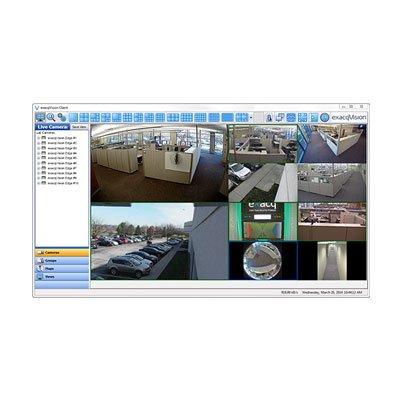
Full-featured VMS software installed directly on a compatible camera Easy & cost-effective way to deploy high-definition IP video View 10 exacqVision Edge cameras simultaneously with included client Powerful thumbnail & timeline search tools Onscreen display of motion and alarm events Instant replay of video and audio events with exacqReplay Export video in open-standard video formats or as a self-contained player with tamper protection
Add to Compare
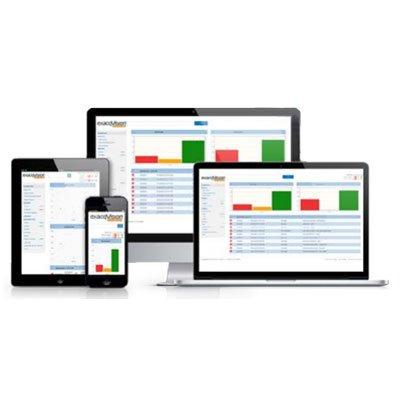
Web-based dashboard to monitor enterprise health Maximise uptime of the surveillance system Manage large user bases Spot trends quickly Quickly transfer camera licenses between NVRs Built-in failover solution that protects critical data Designed to be resilient against cyber-threats
Add to Compare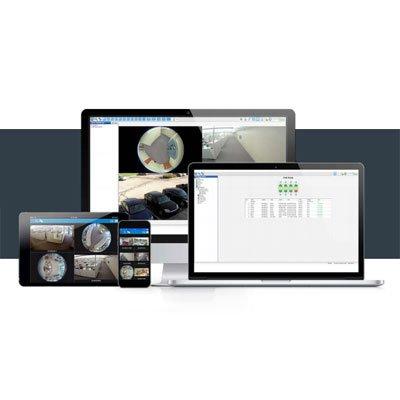
Easy setup with intuitive help menus View video anywhere with freely-distributed client, browser and mobile apps View, search and play back live and recorded video from your mobile device Powerful search capabilities in an intuitive interface exacqReplay provides instant replay of events Client-side fisheye camera dewarping provides distortion-free images Cybersecurity features include HTTPS encryption, complex passwords, and user lockout Compatible with over 3,300 models of IP cameras and encoders, including the H.265 codec
Add to Compare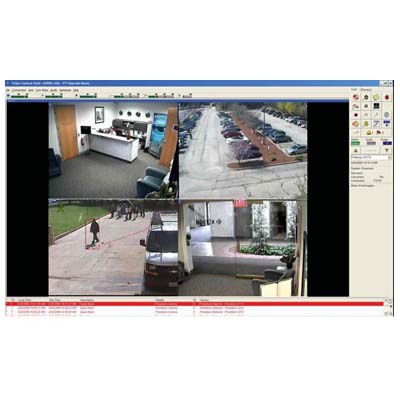
Xtralis ADPRO VideoCentral Lite surveillance software is a multi-site video security management platform specifically designed to monitor video and audio from remote sites fitted with Xtralis ADPRO FastTrace digital video and audio recording and transmission systems. Npt capable of receiving alarms. Does not include secure key.Recommended Requirements for CMS: Intel Pentium III or AMD. Minimum speed - 800 MHz. Main Memory - 512 MB.
Add to Compare
View 1000 exacqVision Edge+ cameras simultaneously with included client Archiving and extended storage Multi-streaming Bookmarking & case management Third-party integrations Single & nested mapping Custom user groups Time lapse recording Remote system monitoring with email notifications Point-of-sale and ATM search Two-way audio Powerful thumbnail & timeline search tools Onscreen display of motion and alarm events Instant replay of video and audio events with exacqReplay Export video in open-standard video formats or as a self-contained player with tamper protection
Add to Compare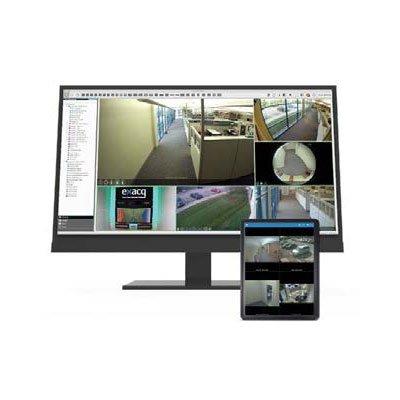
Multi-level mapping increases situational awareness Enterprise Manager included for critical system health monitoring Powerful search capabilities in an intuitive interface VideoPush lets users share critical video across the enterprise Integrated Web Panels allow users to stay up-to-date with breaking news events Compile detailed investigations with bookmarks, event data and video files Custom user groups simplify assigning access to specific cameras and servers
Add to Compare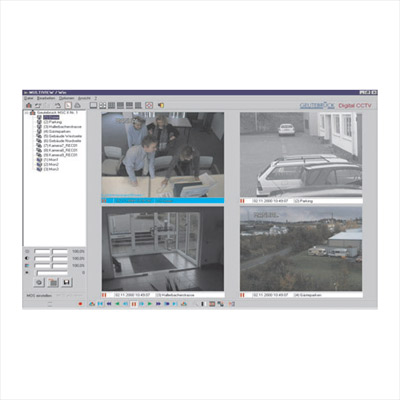
GeViSoft is a management system software for comprehensive control of complex security and CCTV surveillance systems. Analogue and digital, network based CCTV components are operated via a user friendly GUI (graphical user interface) as a "single window application". Transparent graphical interface in complex security architectures. Information only presented when relevant. Connection of sub-systems via open interfaces. Centrally controlled, networked digital picture recording and remote control. Networked video matrix control with video routing. Central administration and setup of all system resources.
Add to Compare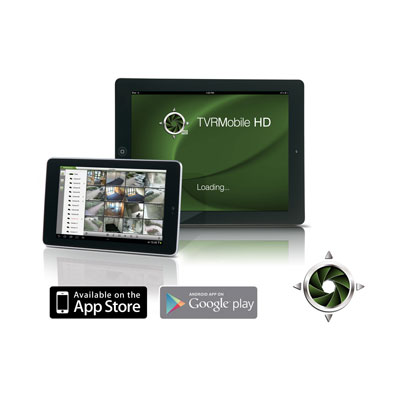
TruVision® TVRMobile HD allows you to monitor Interlogix TruVision and UltraView video surveillance equipment from virtually anywhere in the world. It features real time video display of up to 16 channels and playback of up to 4 channels simultaneously. TVRMobile HD also has intuitive features and controls such as swipe PTZ camera control, landscape mode, snapshots, bookmarks, and favorites to make accessing video quick and easy.
Add to Compare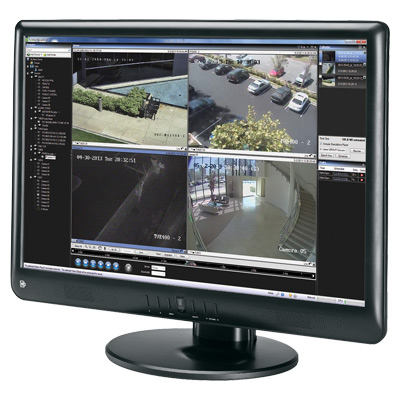
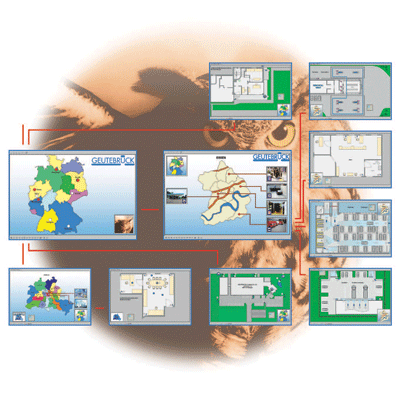
Optimised control of GeViControl (GeViSoft) matrix systems, MultiScope III and GeViScope systems (via GeViSoft). Intuitive operation through customisable graphical user interfaces. Increased operating efficiency and reduced training times. Operators are able to focus on important informations easily.
Add to Compare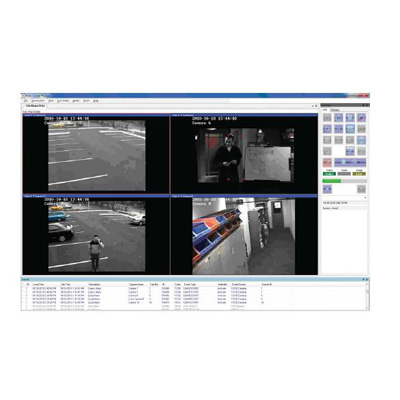
ADPRO VideoCentral Platinum by Xtralis is a multi-site video security management software application specifi cally designed to monitor video and audio from remote sites fi tted with ADPRO video transmission systems. ADPRO VideoCentral Platinum software is a single version product that will support multiple PCs and operators. It is ideal for either Central Monitoring Station (CMS) and command centre applications or for a single operator or laptop user who requires only periodic viewing or monitoring of a site.
Add to Compare